Turning YouTube into an Instrument
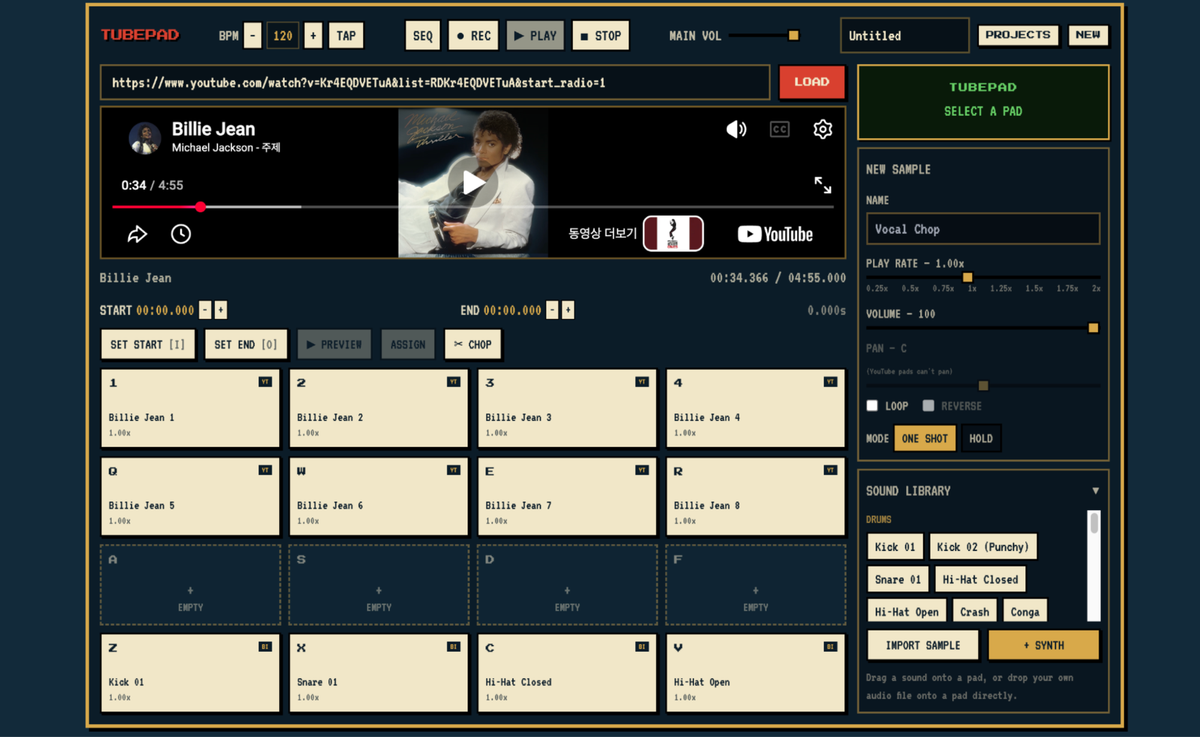
I recently made a web project called TubePad. It started from a pretty simple idea. I thought, what if I could use YouTube like an instrument instead of just watching videos?
TubePad lets you paste a YouTube link, choose a short part of the video, and save it to one of 16 pads. Then, you can use your keyboard to play those sounds. You can use parts of songs, movie lines, sound effects, or basically anything you find on YouTube.
It also has built-in sounds, so you do not always need to find a YouTube video first. You can use the sounds that are already inside TubePad and mix them with your own samples. This makes it easier to start playing around right away.
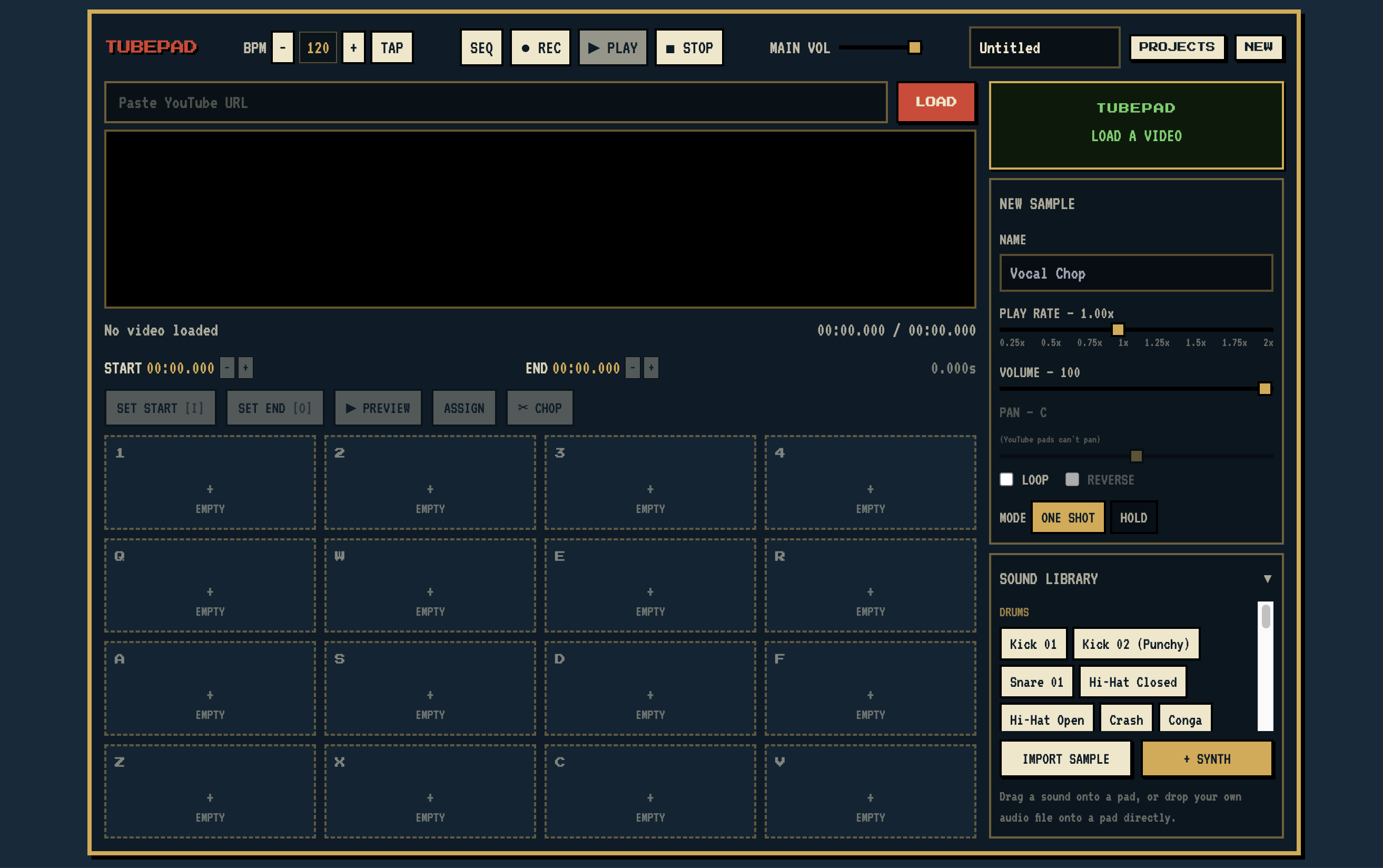
I made it because I was interested in sampling, but I do not like having to download audio files first and then import them into another program. I wanted to make the process simpler and direct; so I thought using YouTube itself would be a fun idea! Using TubePad is pretty easy. You paste a YouTube link, find the part you want, choose the start and end points, and save it to a pad. After that, you can press a key on your keyboard and play the sample right away. You can also use the built-in sounds together with the samples you made.
My favorite part is that you can use almost any video and turn it into something playable! It does not have to be music. You can use a random sound, someone talking, a funny clip, or anything that sounds interesting. I think that makes it more entertaining because every video can become something you can be creative with.
You can try TubePad here: